Blaze Guard

0 $0.00
  • Your cart is empty
  • Continue Shopping
  1. Home

Galleries

Search

Categories

  • Backpack 8
  • Blog 1
  • Creative Solution 1
  • E-Mobility 1
  • Eco-friendly 10
  • Energy Solution 1
  • Fashion 3
  • Life Style 4
  • Shorts 3
  • SmartLiving 3
  • Swimwear 2

Recent Posts

  • Hello world!

    • Posted on July 23, 2026
  • Top 5 Common eBike Charging Mistakes And How To Avoid Them

    • Posted on September 10, 2024
  • How To Choose The Best eBike Accessories For Senior Riders

    • Posted on September 10, 2024

Archives

  • July 2026
  • September 2024
  • May 2024
  • December 2022
  • October 2022
  • August 2022
  • June 2022
  • May 2022
  • January 2022

Tags

Accessories Action Anklets Bracelets Earrings Entertainment Gifts Men Necklaces Pendants Rings Single Earring Technology Valentine Wedding Women
Proin velit metus placerat quis enim
Backpack

Proin velit metus placerat quis enim

  • By BlazeGuard786
  • 0 Comments
  • Posted on January 4, 2022
The About Love film by acclaimed director Emmanuel Adjei features a soulful musical performance of the nunc interdum lacus sit ame...
Read more
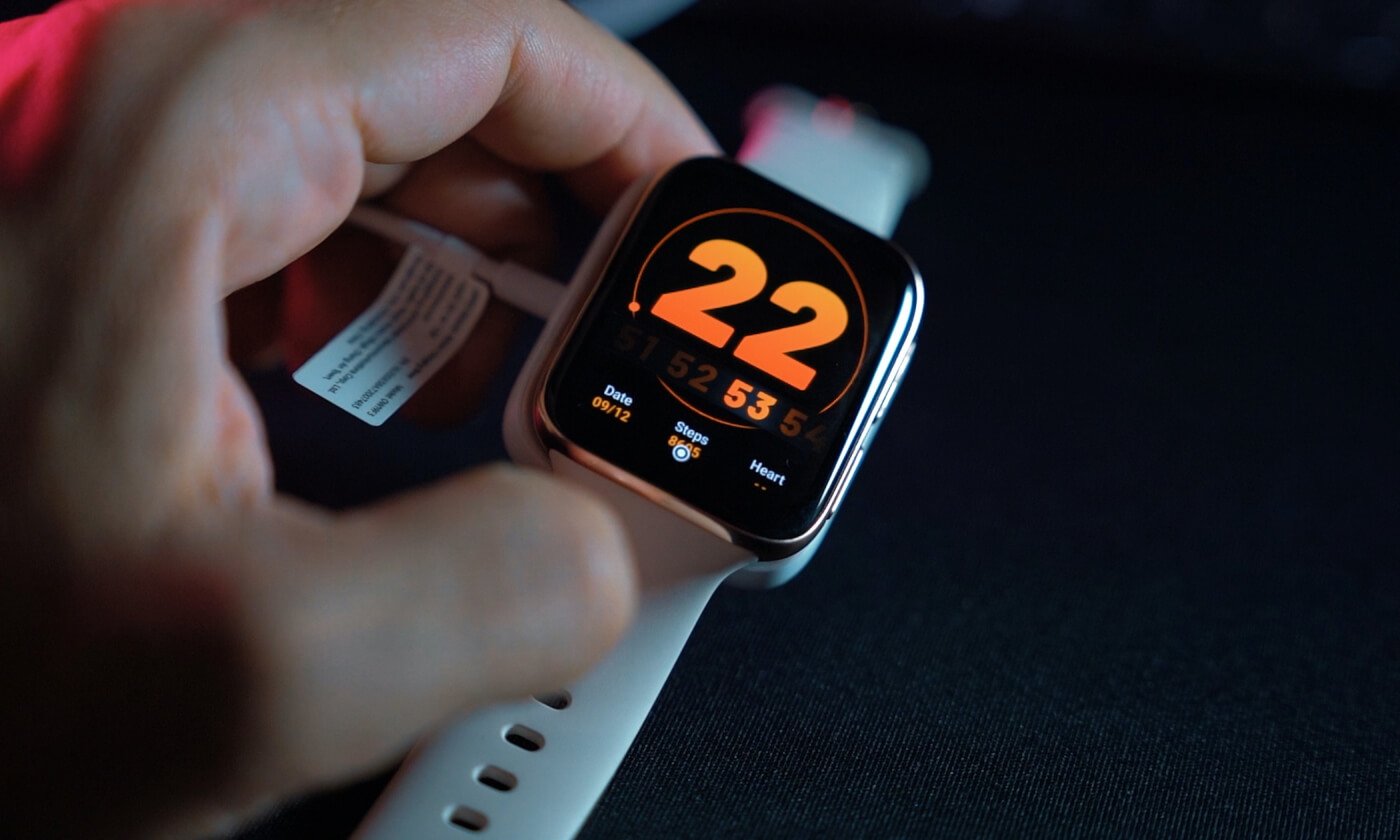
User Guide

Please read the manual before use.

1. Safety Warning

  • The information in this document won't be modified or extended in accordance with any notice.
  • The watch should be charging 2 hours at least before use. Security Code
  • The original code is 1122,this code can prevent your watch in use by others without your permission.
  • Please change the original code to insure your personal information safe.

2. Product details

  • Power button: Power On/Off;Awaken/turn off screen;Back to main menu
  • Touch screen: each function (main menu) will be shown and displayed on capacitive touch screen

3. Clock Display

  • Method 1: Power on, when the phone in clock mode, please click middle screen and set different clock interfaces if you like.
  • Method 2:Power on, Main menu: setting--phone setting--standby menu display -- unlock selection.

4. Product quick use

  • Download the Sync software
  • Install and use the Sync software
Sign in

Lost password?

Create an account